OpenAI just shipped one of the more unexpected additions to its Codex developer platform: desktop pets. Not a model upgrade, not a new benchmark, just a small animated creature that sits on your screen and tells you what your coding agent is doing. It's a deliberate break from the usual pattern of productivity-first releases, and it's more functional than it sounds.
The feature, called Codex Pets, is live now. OpenAI introduced it as a new experimental feature that lets users hatch small AI companions inside the Codex experience, give them names, and use them as playful project partners while building software. The timing makes sense: Codex has grown into a serious multi-agent platform, and long-running background tasks create a supervision problem that a small status overlay can genuinely help solve.
As someone who covers AI tools daily, I'll say this: the feature is easy to dismiss, and equally easy to underestimate. The underlying UX problem it addresses — knowing what your agent is doing without constantly switching back to the app — is real.
What Codex Pets Actually Are
Codex Pets are optional animated companions for the app. In Settings, you can choose Pets to select a built-in pet or refresh custom pets from your local Codex home.
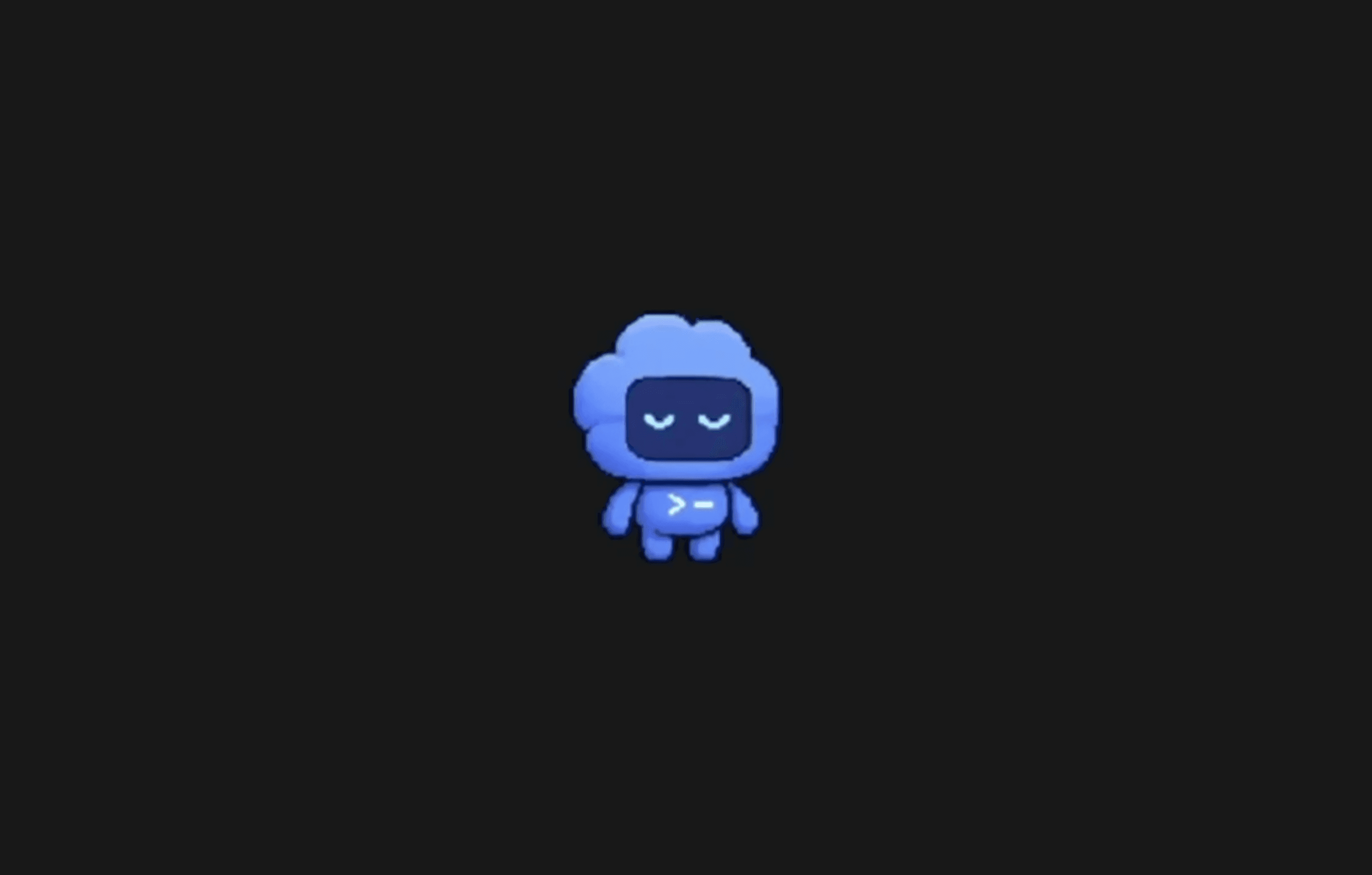
OpenAI updated Codex with a new /pet command that surfaces small, animated "pet" widgets on macOS. Users can type /pet to show or hide several prebuilt creatures or create custom ones; the pets act as Dynamic Island-style messengers that indicate background activity and can appear near the Finder icon.
You can type /pet in the composer, use Wake Pet or Tuck Away Pet in Settings, or press Cmd+K / Ctrl+K and run the same commands to toggle the floating overlay. The overlay keeps active Codex work visible while you use other apps. It shows the active thread, reflects whether Codex is running, waiting for input, or ready for review, and pairs that state with a short progress prompt so you can glance at what changed without reopening the thread.
That last part is the actual value. Codex tasks can run for minutes or longer. Task completion typically takes between 1 and 30 minutes, depending on complexity. A floating overlay that communicates agent state without demanding your attention is a reasonable solution to a real workflow friction point.
Key Technical Details
Pets are overlay avatars that live on your desktop. Eight predefined pets are available, and users can also use skills to generate custom pets.
Here's how the feature breaks down:
- Activation: Type
/petin the Codex composer, or useCmd+K/Ctrl+Kto toggle the overlay - Built-in options: Eight predefined pets are available out of the box
- Custom pets: To create your own pet, install the
hatch-petskill. PressCmd+KorCtrl+K, choose Force Reload Skills, then ask the skill to create a pet — for example,$hatch-pet create a new pet inspired by my recent projects - Status signaling: Pets add a bit more whimsy to Codex, but also give a bit more info about what Codex is doing while staying in the periphery
- Availability: The feature isn't available in the EEA, the United Kingdom, or Switzerland at launch
The pet can be given a name, show a short profile card, and appear with traits like species, personality, rarity and mood. The example OpenAI showed features a small pixel dog named "Meme," described as "The Goodest Boy," a playful companion built for belly rubs, zoomies and keeping the coding session light.
How Pets Fit Into the Broader Codex Platform
This feature didn't appear in a vacuum. Codex has been expanding aggressively across the past year. Codex is an AI coding agent developed by OpenAI for software engineering tasks such as writing code and fixing bugs, released in April 2025 as Codex CLI. It's available through ChatGPT's web app, the Codex CLI, a desktop app for Windows and macOS, and several IDE integrations.
By March 2026, Codex had grown to more than 2 million weekly active users, and OpenAI was positioning it as a broader enterprise agent platform that could eventually be used for tasks beyond software development. More recently, the Codex CLI had approximately 4 million weekly active users, confirmed by Sam Altman on April 8, 2026.
The Pets feature arrived alongside a broader app update that also included:
- A new Connections tab in Settings that reveals an SSH option, enabling users to pair Codex with a remote desktop and instruct the agent to operate local apps remotely
- A
/sidecommand (or the...menu) to spawn a side chat, useful when you're deep in a thread and want to ask a side question in the current context - Persisted
/goalworkflows with app-server APIs, model tools, runtime continuation, and TUI controls for create, pause, resume, and clear
The previously spotted "avatars" feature was also quietly renamed to "pets" in this update. The name change is minor, but the rename from something generic to something more personal signals intent.
What Pets Actually Do During a Session
A Codex Pet may surface gentle reminders, celebrate completed tasks, react when tests pass, or sit quietly while a coding agent runs in the background. The goal is not to replace Codex workflows, but to make them feel more alive during the parts of development that are otherwise repetitive or lonely.
Developers are no longer just sending tasks into a black box — they are managing a workspace with memory, personality and a little bit of ritual. That framing is accurate. As agent sessions get longer and more complex, the experience of supervising them starts to matter. A pet that reacts when tests pass or signals that Codex is waiting for review is a lightweight but practical status surface.
Companies adding gamified or mascot-style UI affordances to developer tools often aim to lower the activation barrier and increase discoverability among casual users. Such features can raise short-term engagement and provide surface-level status feedback without changing core API semantics. That's a fair read. Pets don't touch the underlying model or agent architecture at all.
Final Thoughts
The Pets feature is a small addition to a platform that has been shipping substantial changes at a fast clip — from the Skills system to SSH-based remote control to persisted /goal workflows. In that context, Pets is a UX layer, not a capability jump. The interesting technical question isn't whether a pixel dog is useful, but whether this kind of ambient status signaling can scale as Codex sessions grow longer and more parallel.
What I'd watch: whether OpenAI extends the pet's state-signaling vocabulary beyond simple running/waiting/ready states. Right now it's a glanceable overlay. If future versions let pets surface specific agent decisions, approval requests, or error states in a richer way, the feature moves from cute to genuinely useful for anyone running long multi-agent sessions.
OpenAI has been steadily building Codex into a full agentic workspace. Pets is one of the more human-facing bets in that direction. What do you think — is ambient agent feedback through a desktop companion something you'd actually use, or is it noise? Drop your thoughts in the comments.
Frequently Asked Questions
5 questions
1What are Codex Pets?
Codex Pets are optional animated companions for the Codex app. They float on your desktop and display the current state of your active Codex agent session so you don't have to switch back to the app to check progress.
2How do I activate a Codex Pet?
Type /pet in the composer, use Wake Pet or Tuck Away Pet in Settings, or press Cmd+K or Ctrl+K and run the same commands to toggle the floating overlay.
3Can I create a custom pet?
Yes. To create your own pet, install the hatch-pet skill. Press Cmd+K or Ctrl+K, choose Force Reload Skills, then ask the skill to create a pet based on your preferences.
4Is Codex Pets available everywhere?
No. The feature isn't available in the EEA, the United Kingdom, or Switzerland at launch.
5Do Codex Pets affect agent performance or model behavior?
No. Pets are a UI overlay only. They display agent state information without modifying how the underlying Codex model or agent pipeline operates.