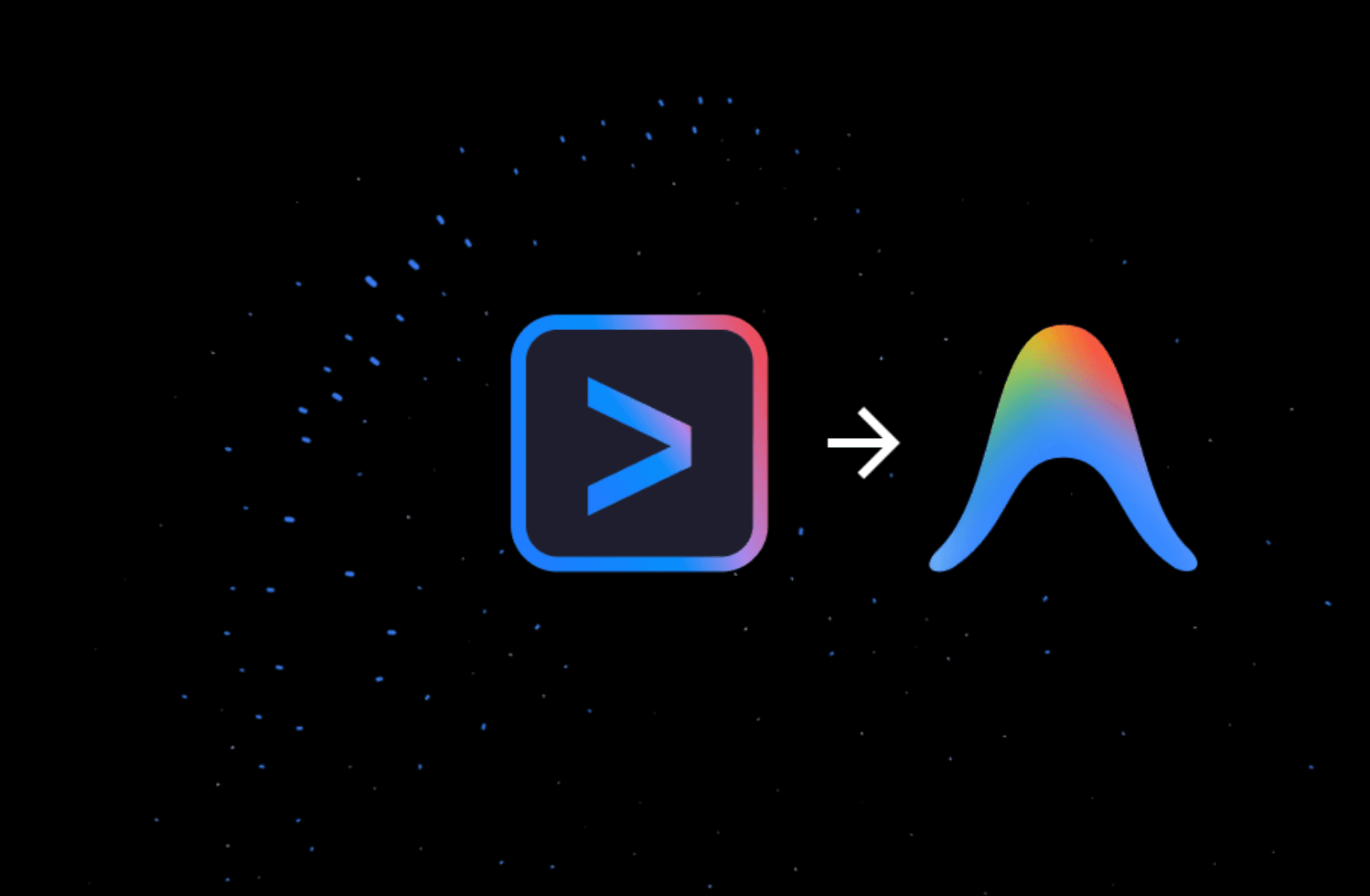
Google used its ongoing Google I/O event to announce that it is transitioning Gemini CLI into Antigravity CLI, folding its terminal-based AI coding tool into the broader Google Antigravity agent-first development platform. For developers who've had Gemini CLI baked into their daily workflows, this is a real change to plan around, not just a branding refresh.
Along the way, the Gemini CLI community grew to millions of users, with over 100,000 GitHub stars, 6,000 merged pull requests, and hundreds of contributors. That's a substantial user base to migrate, and Google's reasoning for the shift is worth understanding before the June 18 deadline hits.
The short version: single-agent terminal tools aren't enough anymore. Gemini CLI proved the terminal could be an incredible interface for agentic tasks, but developer needs shifted. Users now require multiple agents communicating with each other to split up the work and solve complex problems, and that means terminal tools need to share a unified backend with the rest of the workflow.
What Is Antigravity CLI?
To deliver the single platform developers need to build the future, Google is unifying its efforts into Google Antigravity, its premier agent-first development platform, which includes a powerful server-side harness and a brand-new terminal experience: Antigravity CLI.
For those who prefer to stay in the terminal, the Antigravity CLI delivers a lightweight, high-velocity product surface that lets developers create new agents instantly without a graphical user interface. Think of it as Gemini CLI rebuilt from scratch with a different architectural philosophy. In practical terms, Gemini CLI was the terminal-first product. Antigravity CLI is the terminal component of a larger agent platform.
Google is shipping a brand-new Antigravity CLI built in Go, which the company says is faster and more responsive than its predecessor.
Key Technical Highlights
Google cited three main changes in Antigravity CLI: faster execution, asynchronous workflows, and a unified architecture. Here's what each one means in practice:
- Faster execution: The rewrite in Go delivers measurably quicker response times compared to the Node.js-based Gemini CLI.
- Asynchronous workflows: Agents can now run tasks in the background without blocking the developer's terminal session.
- Unified architecture: Antigravity CLI shares the same agent harness as Antigravity 2.0, the new Antigravity desktop application, ensuring that all future improvements to core agents are automatically applied wherever you use them.
On feature parity, Google is being direct. While there won't be 1:1 feature parity right out of the gate, Google made sure Antigravity CLI keeps the most critical features of Gemini CLI: Agent Skills, Hooks, Subagents, and Extensions, now as Antigravity plugins.
The Broader Antigravity 2.0 Platform
Antigravity CLI doesn't stand alone. It's one surface inside a much larger platform overhaul. Google is unifying its efforts around a single harness and platform, Google Antigravity, with four distinct surfaces: Antigravity 2.0, Antigravity CLI, Antigravity SDK, and Antigravity IDE.
Developers can now set several agents to work on problems simultaneously, design custom subagent workflows, and schedule tasks that run automatically in the background. Antigravity 2.0 also connects natively with Google AI Studio, Firebase, and Android, letting developers export projects from AI Studio directly to their local Antigravity instance while carrying over full context.
Rounding out the platform is the Antigravity SDK, which gives developers the building blocks to create custom agents on top of Google's coding infrastructure. The company says it has already used Antigravity internally to build consumer features, including custom UI generation in Google Search.
Powering everything under the hood is a new model. Gemini 3.5 Flash, which Google claims outperforms Gemini 3.1 Pro on coding and agentic benchmarks while running four times faster than competing frontier models. In a neat bit of self-reference, Google says Gemini 3.5 Flash was itself co-developed using Antigravity.
What the Transition Timeline Looks Like
The deadline is firm. On June 18, 2026, Gemini CLI and Gemini Code Assist IDE extensions will stop serving requests for Google AI Pro and Ultra, as well as those using it free of charge using Gemini Code Assist for individuals.
For Gemini Code Assist for GitHub, this change will also apply, and on June 18, 2026, there will be no new installations on GitHub organizations, with requests in the following weeks stopping being served.
Enterprise customers get more runway. If your organization uses Gemini CLI or IDE extensions via a Gemini Code Assist Standard or Enterprise license, or if your organization uses Gemini Code Assist for GitHub through Google Cloud, your access remains unchanged. Google will continue to support Gemini CLI and Gemini Code Assist with access to the latest Gemini models and other updates, and Gemini CLI will remain accessible via paid Gemini and Gemini Enterprise Agent Platform API keys.
Pricing
Google is introducing a new AI Ultra plan priced at $100 per month, offering 5x higher AI limits in Antigravity than the Pro plan. The company is also reducing the price of its top AI Ultra plan from $250 to $200, which allows for 20x higher limits than the Pro plan. As a special offer for I/O week until May 25, 2026, new and existing AI Ultra subscribers can claim $100 of bonus credits.
What This Means for the Industry
The agentic coding tools market is booming, and every major AI lab is scrambling for developer loyalty. GitHub recently paused new Copilot sign-ups as agentic workloads reshaped the economics of AI-assisted development, and GitLab has begun restructuring for what it calls the "agentic era."
Antigravity will most likely have to compete more directly with coding agent platforms like Codex from OpenAI, Claude Code from Anthropic, and Cursor. Google's bet is that consolidating its developer tools under one brand, one backend, and one agent harness gives it the coordination advantage those competitors lack.
Final Thoughts
The Gemini CLI community built something real. Over 100,000 GitHub stars and 6,000 merged pull requests aren't vanity metrics. That's a developer tool that genuinely caught on. What's interesting about this transition is that Google isn't just renaming the product. It's making a structural argument: that a terminal tool without a shared multi-agent backend is architecturally incomplete for where development is heading in 2026.
The feature parity caveat is the one thing I'd watch closely. Google has been transparent that Antigravity CLI won't cover everything Gemini CLI did at launch, and for teams with complex hooks or extension configurations, that gap could cause friction before the June 18 deadline. The technical documentation is live now, and Google has promised video walkthroughs in the coming weeks. If you're on the free or Pro tier, start the migration now rather than in mid-June.
What do you think about the move from Gemini CLI to Antigravity CLI? Drop your thoughts in the comments.
Frequently Asked Questions
5 questions
1When does Gemini CLI shut down for individual users?
Starting June 18, 2026, Gemini CLI and Gemini Code Assist IDE extensions will stop serving requests for free and paid Google AI Pro and Ultra users.
2Will enterprise users lose access to Gemini CLI?
No. Enterprise and Standard license holders retain access to Gemini CLI. Google has confirmed it will continue supporting those tiers with the latest Gemini models.
3Does Antigravity CLI include all Gemini CLI features?
Not immediately. Google said Antigravity CLI will not have "1:1 feature parity right out of the gate," but preserves Agent Skills, Hooks, Subagents, and Extensions, with Extensions now represented as Antigravity plugins.
4What programming language is Antigravity CLI built in?
The newly introduced Antigravity CLI is built in Go, offering faster execution than its predecessor.
5How do I get started with Antigravity CLI?
Starting today, Antigravity CLI is available to everyone. You can get started now with the technical documentation, and Google will be releasing video walkthroughs in the coming weeks.