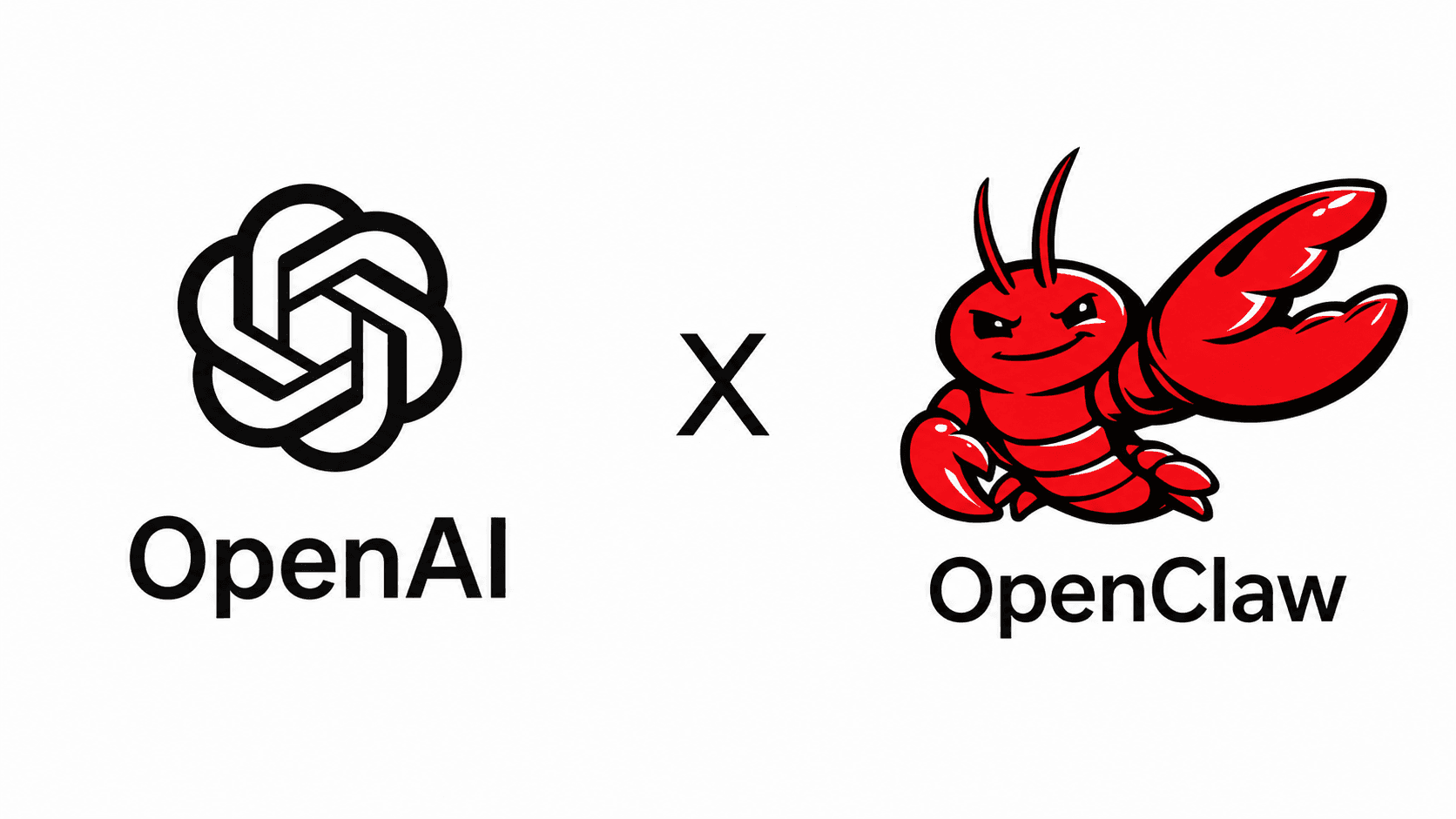
A March 2026 update added a significant feature to OpenClaw: log in with your ChatGPT Plus account, and your agent gets access to GPT-5.4 directly, with no separate OpenAI API billing required. If you've been running OpenClaw on a pay-per-token API key, this changes the math considerably. Your existing ChatGPT subscription now does double duty.
OpenClaw is a free and open-source autonomous AI agent that can execute tasks via large language models, using messaging platforms as its main user interface. It functions as a long-running Node.js service that connects various chat platforms, like WhatsApp and Discord, to an AI agent that can execute real-world tasks. The ChatGPT OAuth integration is one of the more practically useful additions the project has shipped, because it directly reduces the cost of running a capable, persistent AI agent.
What Is OpenClaw
OpenClaw is a free and open-source autonomous AI agent developed by Austrian vibe coder Peter Steinberger, first published in November 2025 under the name Clawdbot. Within two months it was renamed twice: first to "Moltbot" on January 27, 2026, following trademark complaints by Anthropic, and then three days later to "OpenClaw" because Steinberger found that the name Moltbot "never quite rolled off the tongue."
OpenClaw has become one of the fastest-growing open-source projects in history. It captured developer attention by offering a "24/7 Jarvis" experience where a self-hosted AI can proactively reach out to users and execute autonomous tasks across multiple messaging apps. It lives on a dedicated computer — your main machine, a Mac Mini, a Raspberry Pi, or a cloud server — and has genuine control over that system. It can write code, create scripts, modify configurations, and execute tasks.
How the ChatGPT OAuth Integration Works
OpenClaw supports the openai-codex provider, which routes requests through your ChatGPT subscription instead of the pay-per-token OpenAI API. You sign in with your OpenAI account via OAuth, and OpenClaw uses your subscription's included quota with no API billing.
OpenAI explicitly supports subscription OAuth usage in external tools and workflows like OpenClaw. This isn't a workaround or a gray area — it's a documented, sanctioned auth path.
The flow opens a browser pointed at https://auth.openai.com/oauth/authorize, you log in with your ChatGPT account, and the callback writes the token. After pasting the callback URL, the wizard exchanges it for an access token and saves the auth profile to ~/.openclaw/auth-profiles/openai-codex.json.
Key Technical Highlights
- The model ships with a 1,050,000-token context window and 128,000 max output tokens.
- ChatGPT Plus ($20/month) or ChatGPT Pro ($200/month) subscription covers Codex usage inside OpenClaw at a flat rate, with no per-token API billing.
- GPT-5.5 is available through both direct OpenAI Platform API-key access and subscription/OAuth routes. Use
openai-codex/gpt-5.5for Codex OAuth through PI, oropenai/gpt-5.5withagentRuntime.id: "codex"for the native Codex app-server harness. - When a subscription-style Codex profile is selected, OpenClaw keeps
CODEX_API_KEYandOPENAI_API_KEYout of the spawned stdio app-server child and sends the selected credentials through the app-server login RPC. - OAuth tokens from ChatGPT refresh automatically during active use.
Step-by-Step Setup
The fastest path is a single command run directly on the machine where OpenClaw is installed:
openclaw models auth login --provider openai-codex
This requires an interactive TTY. Running it over SSH fails immediately with Error: models auth login requires an interactive TTY. Run it directly on the machine where OpenClaw is installed — either sit at it, or use screen sharing or remote desktop.
For headless or callback-hostile setups, add --device-code to sign in with a ChatGPT device-code flow instead of the localhost browser callback.
After authentication completes, set your primary model and restart the gateway:
openclaw config set agents.defaults.model.primary openai-codex/gpt-5.4
Your workspace, memory, cron jobs, and channels all stay intact. The only thing that changes is which model answers.
Subscription Tiers and Usage Quotas
Not all ChatGPT plans behave identically inside OpenClaw. Here's what each tier gets you:
- ChatGPT Plus includes a 5-hour weekly usage quota for Codex. This is OpenAI's limit on the subscription tier, not an OpenClaw limitation.
- ChatGPT Pro includes a higher or unlimited quota.
- If you hit the limit mid-week, OpenClaw will fall back to any models you've configured as fallbacks. You can add a fallback model like this:
openclaw models fallbacks add openrouter/google/gemini-3-flash-preview.
The cost breakdown comes to ChatGPT Plus ($20/month) plus OpenClaw Launch Lite ($3/month) for GPT-5.4, with no per-token API charges. For heavy users, that's a much more predictable bill than metered API access.
Known Gotchas and Bugs
A few things worth knowing before you start:
- There is a known bug in some OpenClaw versions where gpt-5.4 via Codex OAuth routes to the wrong API endpoint and falls back to gpt-5.3-codex with a 401 (GitHub issue #38706). If you encounter this, stick with
openai-codex/gpt-5.3-codexexplicitly — it uses the correct API path and works reliably with ChatGPT Plus OAuth. - GPT-5.4 runs on OpenAI's servers, not locally. Anything the agent sends goes through ChatGPT's backend. For a personal agent handling trading notes or private data, that's worth thinking about before switching primary models.
- Connecting a ChatGPT subscription currently requires running through the full OpenClaw onboard wizard, navigating 7 screens just to reach the OAuth browser login. A GitHub issue (#25186) has been filed requesting a simpler single-command flow.
- OpenAI uses rotating refresh tokens. Occasionally you may need to re-run the login command if the session expires.
What This Means for OpenClaw Users
A lot of people pay $20/month for ChatGPT Plus to chat, write, and ask questions. What most people don't realize is that the AI model behind it can be "borrowed" by other tools, not just the ChatGPT website.
For an agent running long research sessions or processing large documents over Telegram, this removes the context ceiling that local 120B models hit around 128K. A 1-million-token context window in a persistent, self-hosted agent is a meaningful capability upgrade for anyone doing document-heavy or multi-session work.
Codex is strong at code and tool use. You may need to tweak your SOUL.md and AGENTS.md. Different models interpret the same prompts differently. If you're switching from Claude, budget a few days of prompt tuning before judging the results.
Final Thoughts
The ChatGPT OAuth integration is a well-scoped addition that solves a real problem: API billing unpredictability. If you're already paying for a Plus or Pro subscription, running that same model inside a persistent, self-hosted agent at no extra cost is a straightforward win. The 1-million-token context window is the part I'd watch most closely in practice — that's a lot of room for long-running agentic tasks that previously had to chunk or summarize aggressively.
The TTY requirement during auth is the roughest edge here. It's a solvable UX problem, and the open GitHub issue suggests the team knows it. If you run OpenClaw on a headless VPS, plan for the device-code flow or a screen-sharing session. It's a one-time setup cost, but it'll catch you off guard if you're not expecting it.
If you've been sitting on a ChatGPT subscription and haven't tried routing it through OpenClaw yet, the setup takes about five minutes. What do you think — does flat-rate subscription billing change how you'd use an agent like this? Drop your thoughts in the comments.
Frequently Asked Questions
5 questions
1Do I need ChatGPT Pro, or does Plus work?
ChatGPT Plus is sufficient. The OAuth flow uses the same credentials as the ChatGPT website and gives your OpenClaw agent the same GPT-5.4 access, including the 1,050,000-token context window.
2Will this break my existing OpenClaw setup?
If you already have OpenClaw running with another provider like Anthropic or local Ollama and want to add or switch to Codex, this process is safe to run on a live setup. The wizard preserves your existing channels, memory, cron jobs, and config — it only adds the new auth profile.
3Can I use this on a remote VPS over SSH?
Run it directly on the machine where OpenClaw is installed — either sit at it, or use screen sharing or remote desktop. ssh -t does not help here because the OAuth callback runs on localhost. Use the --device-code flag as an alternative for headless environments.
4What happens when I hit my weekly quota?
If you hit the limit mid-week, OpenClaw will fall back to any models you've configured as fallbacks. You can configure a free or low-cost fallback model to keep your agent running without interruption.
5Is there an extra cost beyond my ChatGPT subscription?
You sign in with your OpenAI account via OAuth, and OpenClaw uses your subscription's included quota with no API billing. OpenClaw itself is free and open-source, though managed hosting options like OpenClaw Launch have their own pricing starting at $3/month.